 outlayered
Try the editor
Free
Get familiar with your workflow.
- Local processing without an account
- Cloud trial balance shown after sign-in
- PNG and JPEG export
- No card needed to explore
Less background. More possibility.
One portrait or a whole product collection. Remove backgrounds, find the right finish, and get back to creating.
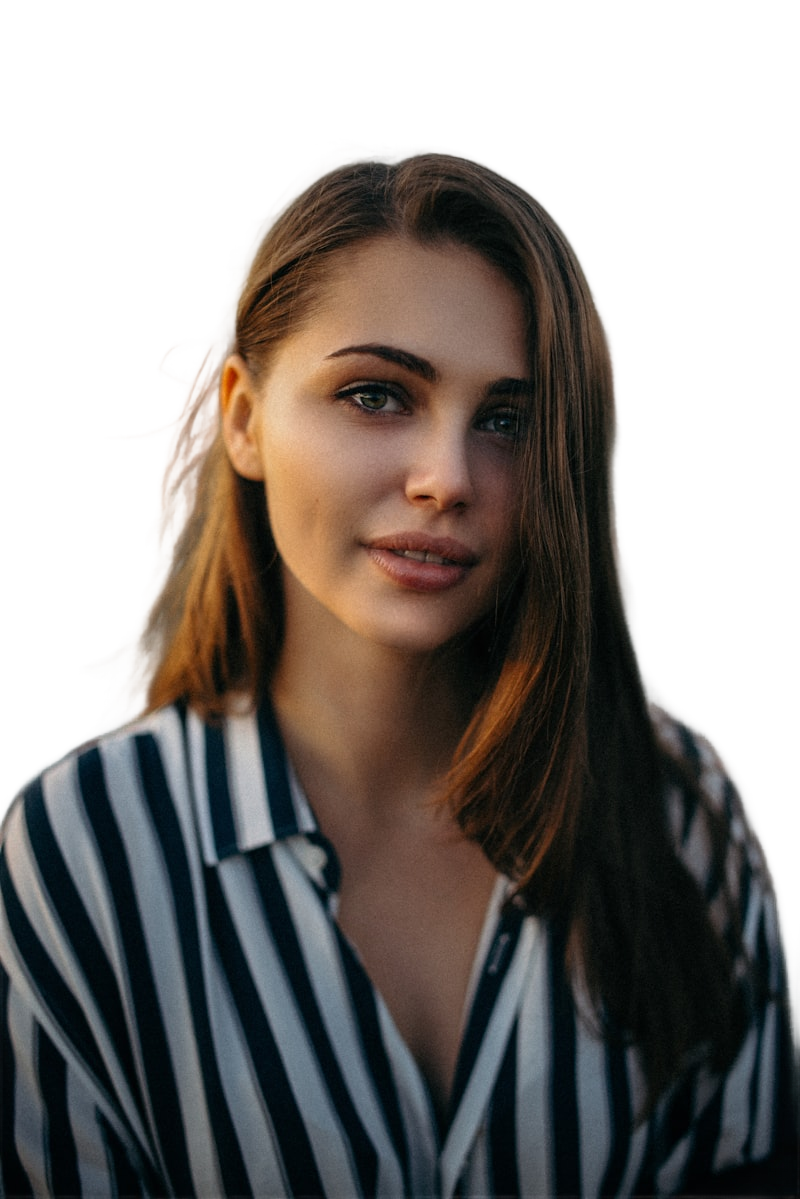

A little less busywork
Prepare a listing, refresh a portfolio, or turn a photo into something new. Keep the subject. Change the setting.
Separate your subject from its surroundings. Review the original beside the result and adjust the edge threshold for your image.
Apply a shared background, crop, padding, size, or watermark across a batch. Consistent output without repeating every step.
Choose several images or a whole folder. Follow the progress, compare your cutouts, and download the results together.
For the one-offs and the everyday
The same workspace is ready when your next batch arrives.
Choose your workflow
Cloud sends images to a hosted worker. Run the source app locally to process on your own computer. A packaged Local edition is planned.
Get familiar with your workflow.
1,000 credits · $0.0090 / image
5,000 credits · $0.0078 / image
Current introductory catalog. Checkout is available only when configured. Applicable taxes are shown at checkout. See refund information.
Yes. Select several images or use the folder picker. The editor applies your settings to the batch.
When you run Outlayered locally, processing runs on that machine. Cloud uploads images to the hosted service. The editor displays its processing mode.
PNG preserves transparency. JPEG is suited to an opaque background. Multiple results can be downloaded as a ZIP.
This version focuses on still images. Video and GIF processing are roadmap items.